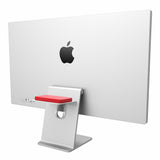
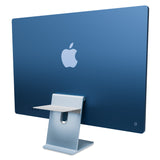
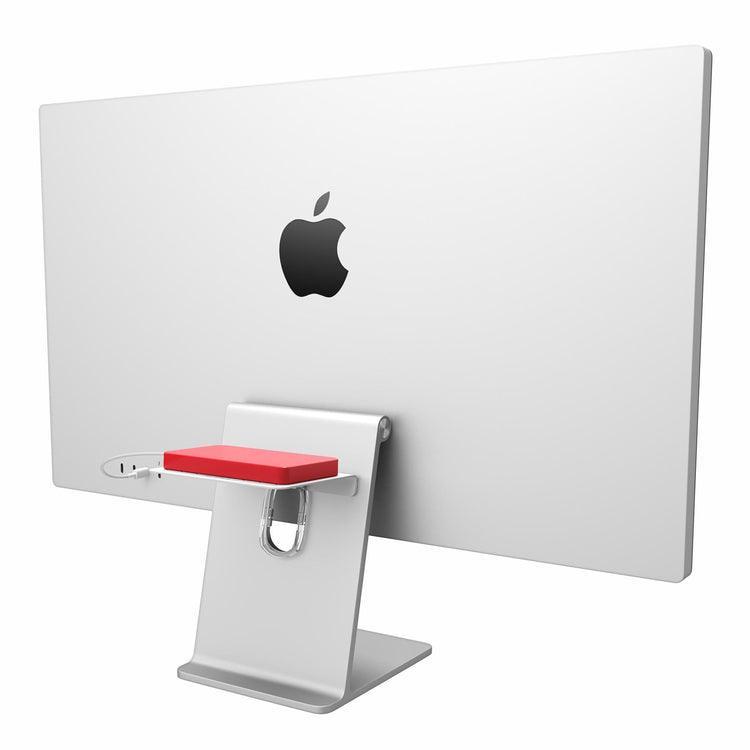
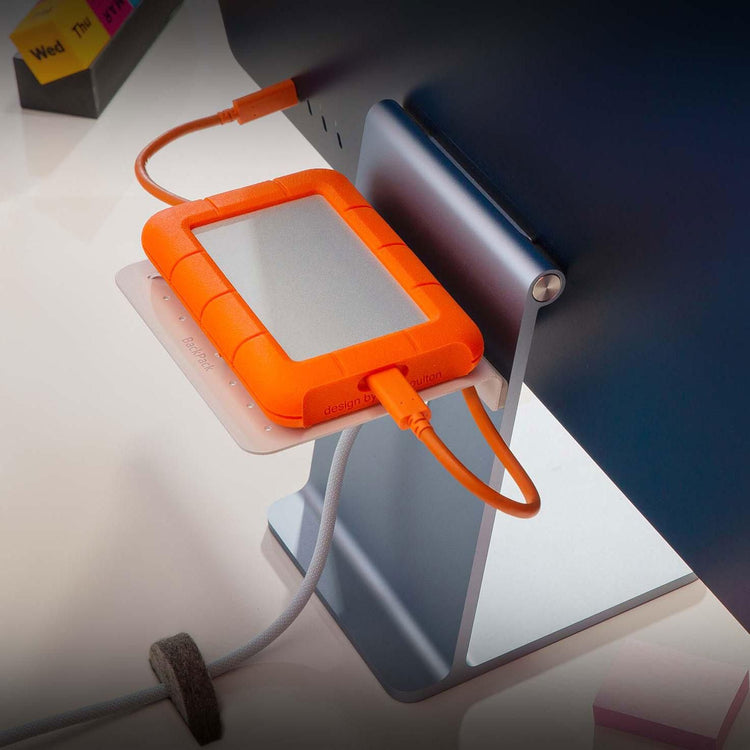
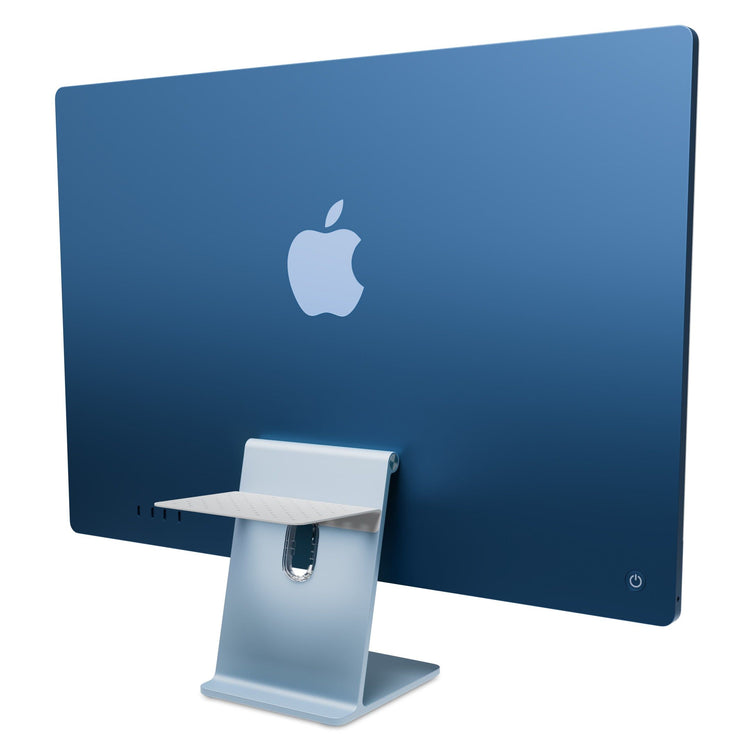
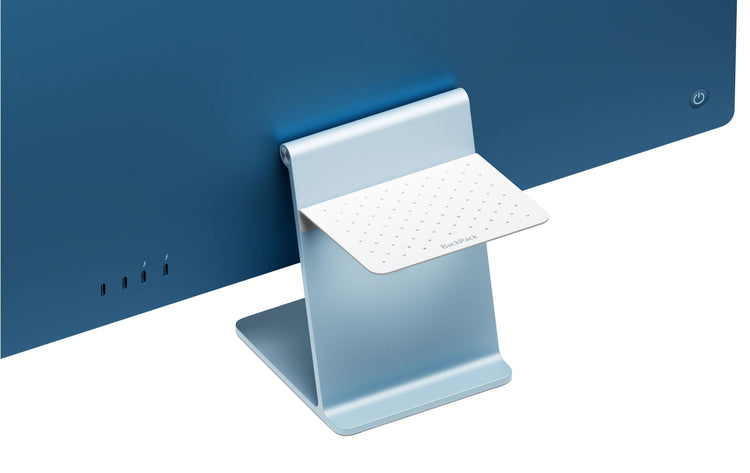
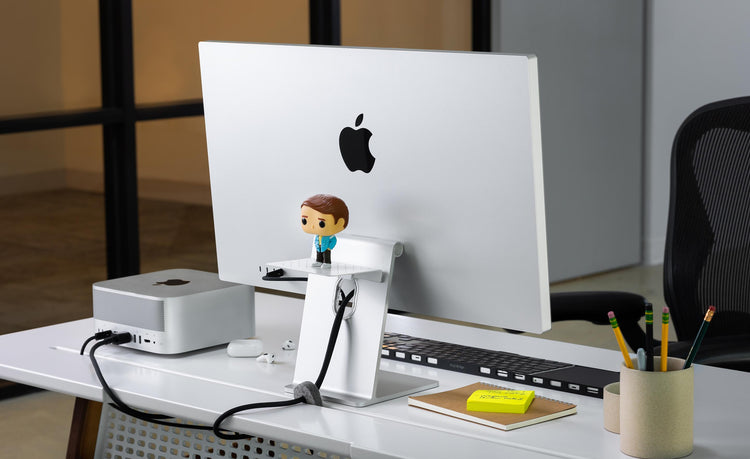
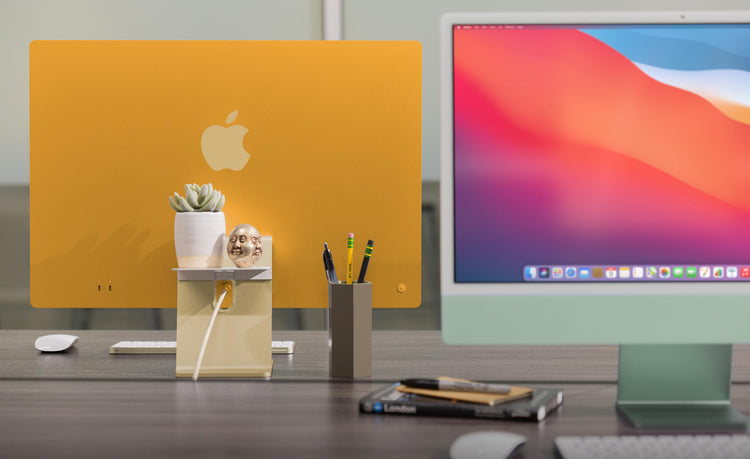
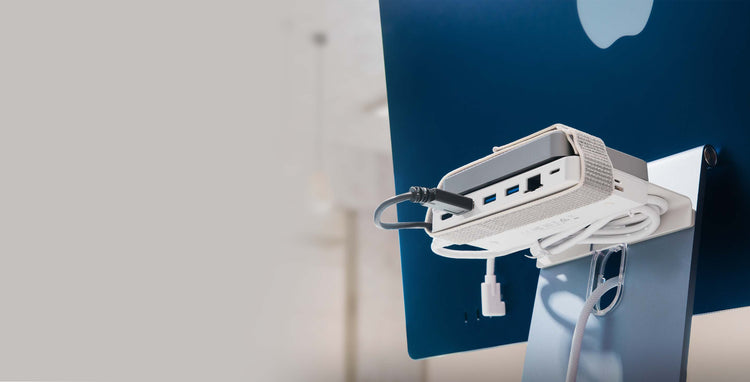
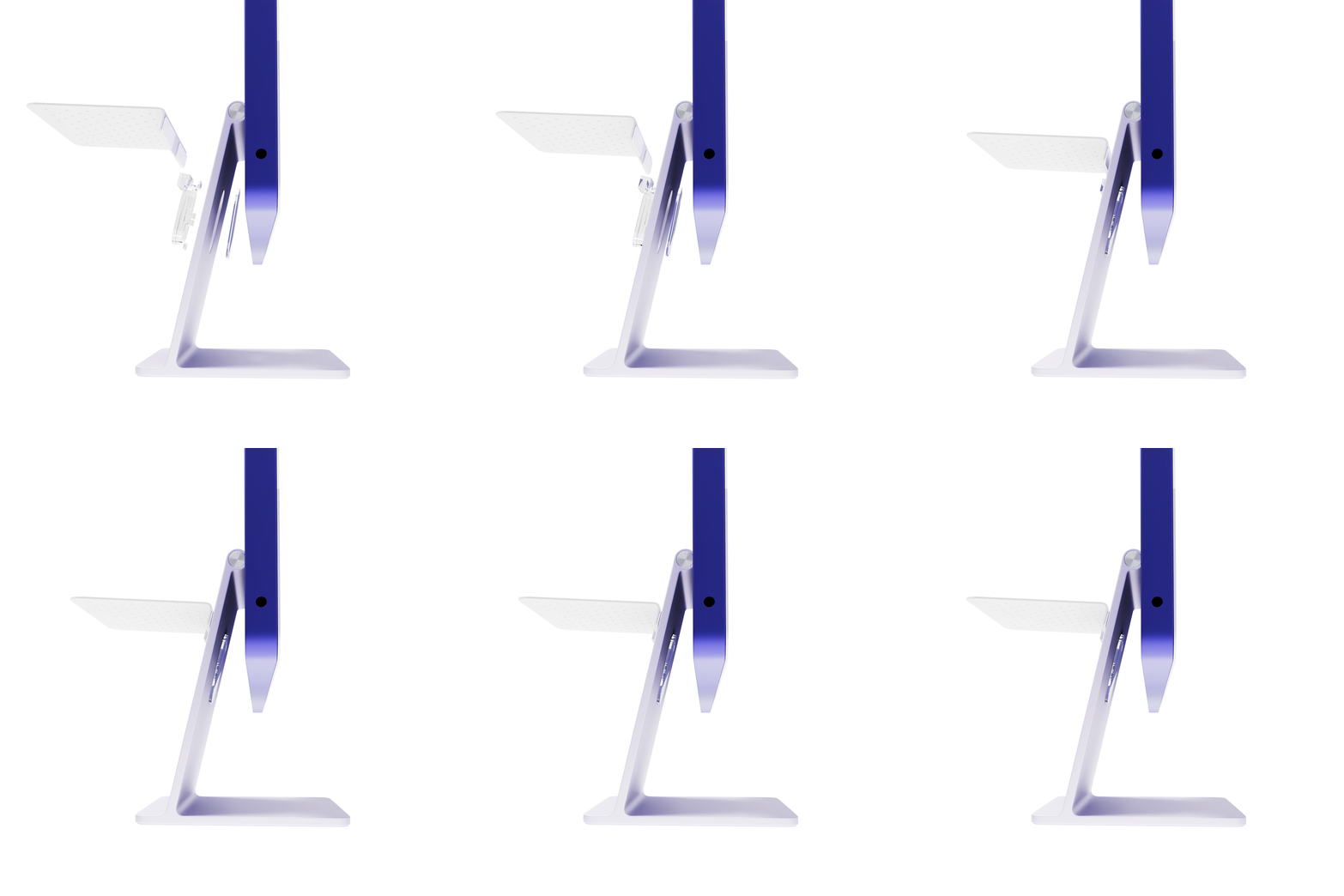
BackPack Shelf
Frequently Asked Questions
Does the BackPack work with the new iMacs and Apple Thunderbolt Displays?
Absolutely. The 21.5" iMac uses the included #3 Fit Insert. The 27" iMac and Apple Thunderbolt Display both use the included #4 Fit Insert.
21.5-inch iMac = Use Fit Insert #3
27-inch iMac = Use Fit Insert #4
Apple Thunderbolt Display = Use Fit Insert #4
Does the shelf screw into my iMac Stand? Will it scratch it?
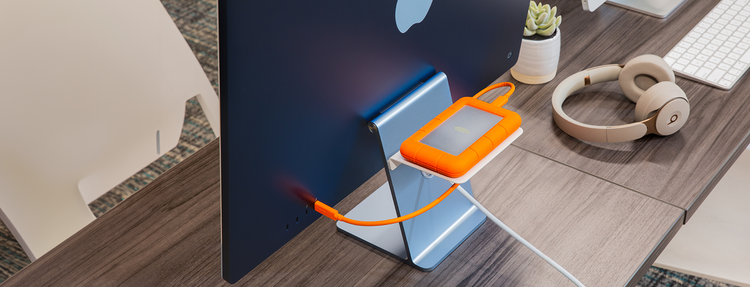
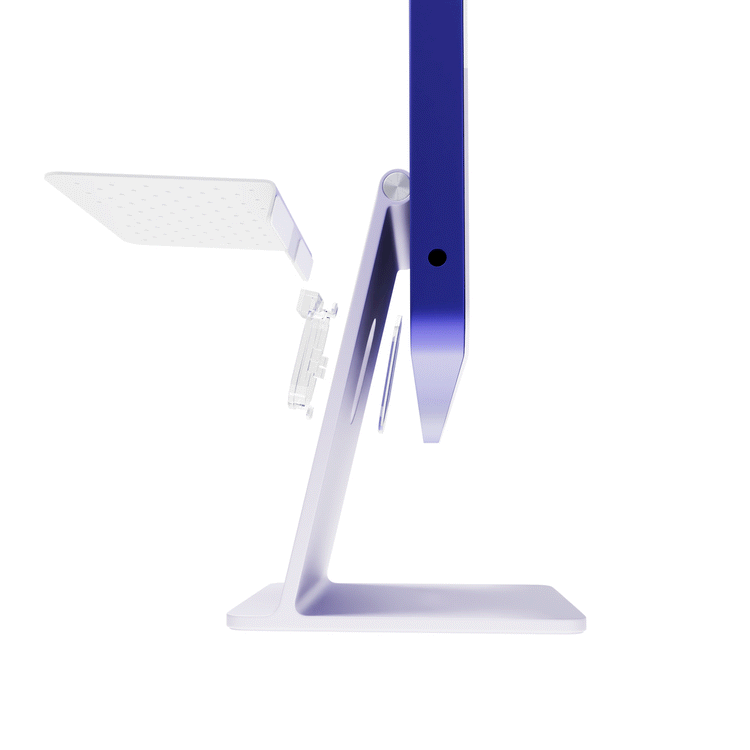
No. The clips, when tightened, are a fixed width apart. The BackPack shelf is then held onto the iMac stand with gravity! The only thing that actually touches the stand is the non-scratch Fit Inserts.
Is there a weight limit to storage in the BackPack?
Yes. The max weight to rest on a BackPack is 5 pounds (2.27 kg). It is not a good idea to test this limit. A better idea is to just add another BackPack and split the load.
Can I use two BackPacks at once?
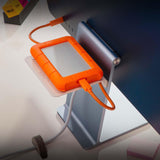
Yes. Because you can adjust the height position of the BackPack, you can also install two (or more). Place one lower for hard drives and hubs, then locate a second BackPack higher for a display shelf or an iPod charging pad. When it comes to out-of-sight storage for your iMac, two is definitely better than one.
Tech Specs
Product
0.95 inches (2.4 cm)
Height7 inches (17.8 cm)
Width4.5 inches (11.4 cm)
Depth0.5 pounds (.23 kg)
Weight5 pounds (2.23 kg)
Max CapacityPackage
7.25 inch (18.4 cm)
Height4.2 inch (10.7 cm)
Width1 inch (2.5 cm)
Depth0.84 pounds (.38 kg)
WeightCompatibility
Fits all iMacs and Apple Cinema Displays that use the L-shape desk stand
Hardware Compatibility17-inch iMac
23-inch Apple Cinema HD Display
20-inch iMac
21.5-inch iMac
24-inch Apple LED Cinema Display
24-inch iMac
27-inch iMac
27-inch Apple LED Cinema Display
27-inch Apple Thunderbolt Display
30-inch Apple Cinema Display
Fit Insert #5What's in the box?
BackPack Shelf
BackPack Stand Clips (x2)
Clip Fit Inserts (x5)
Non-slip Shelf Pad
Security Cable Tie