BookArc Stand
Photos
Exclusively for MacBook Pro.
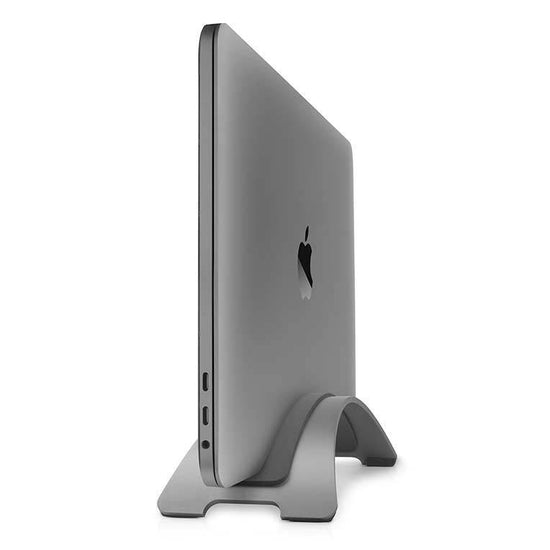
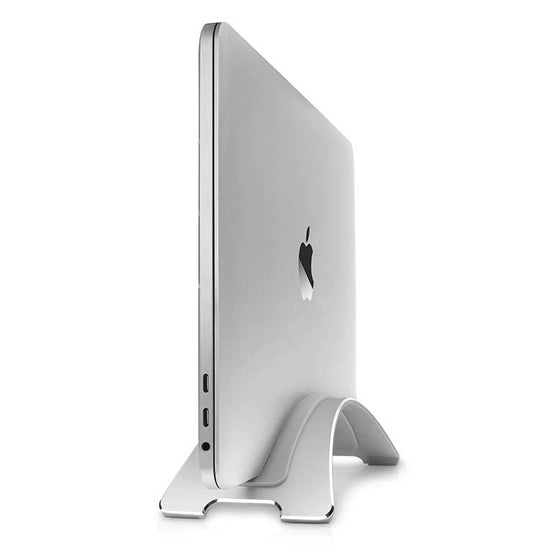
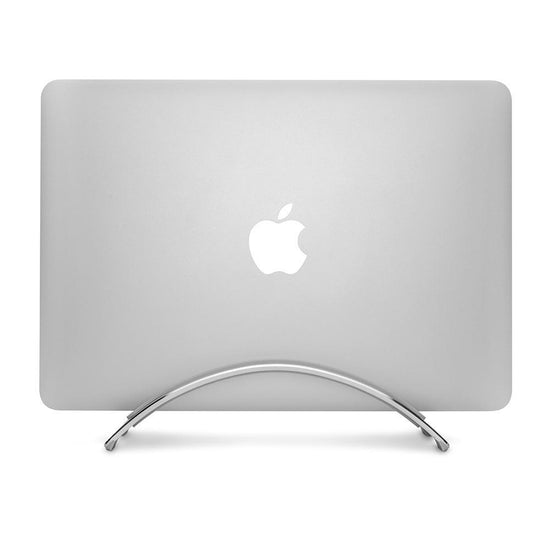
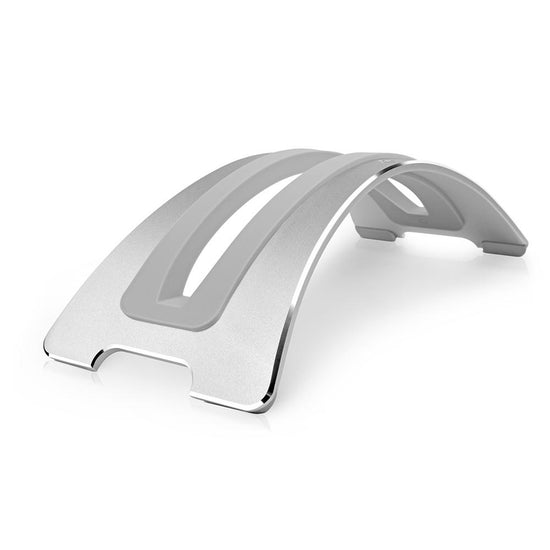
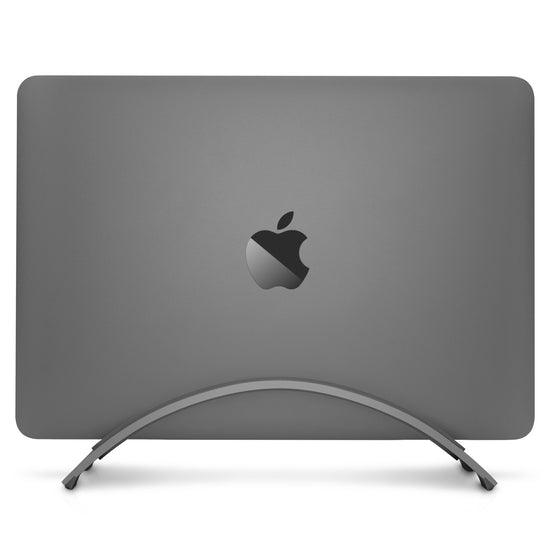
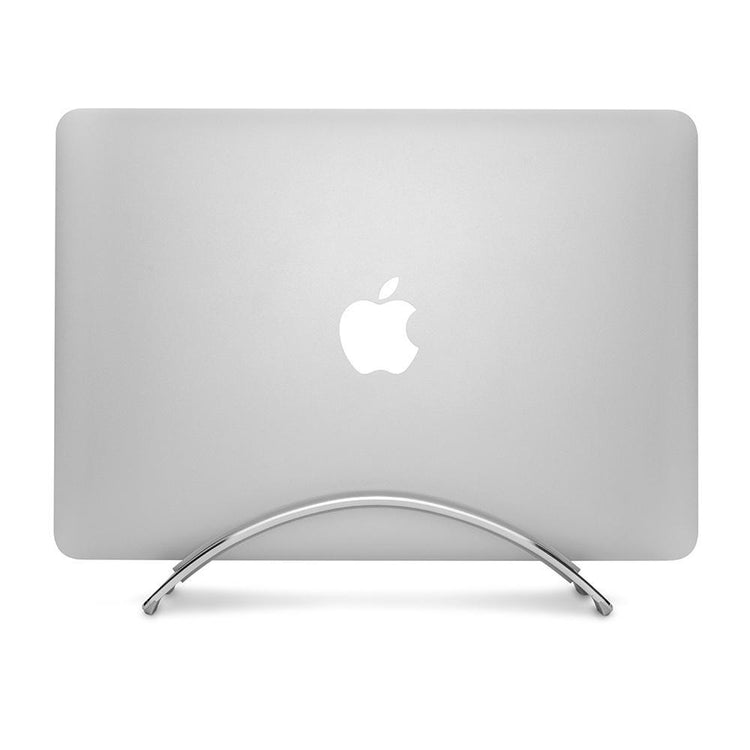
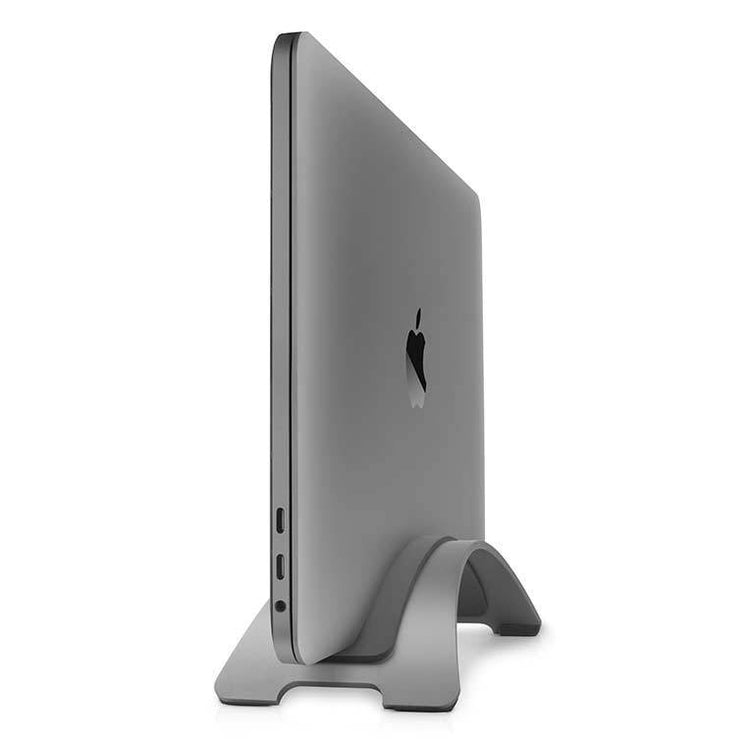
BookArc Pro is a desktop stand designed to securely cradle MacBook Pro and MacBook Pro with Retina Display. Notice how the brushed aluminum stand matches the MacBook finish.
Download High Res.
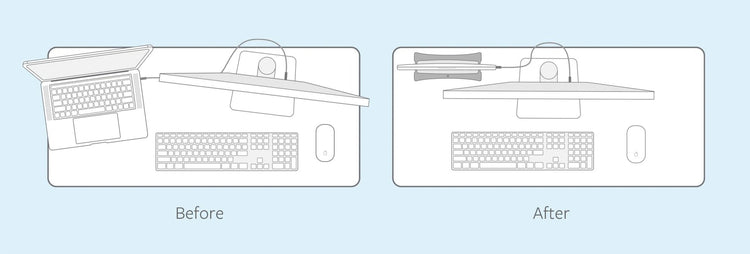
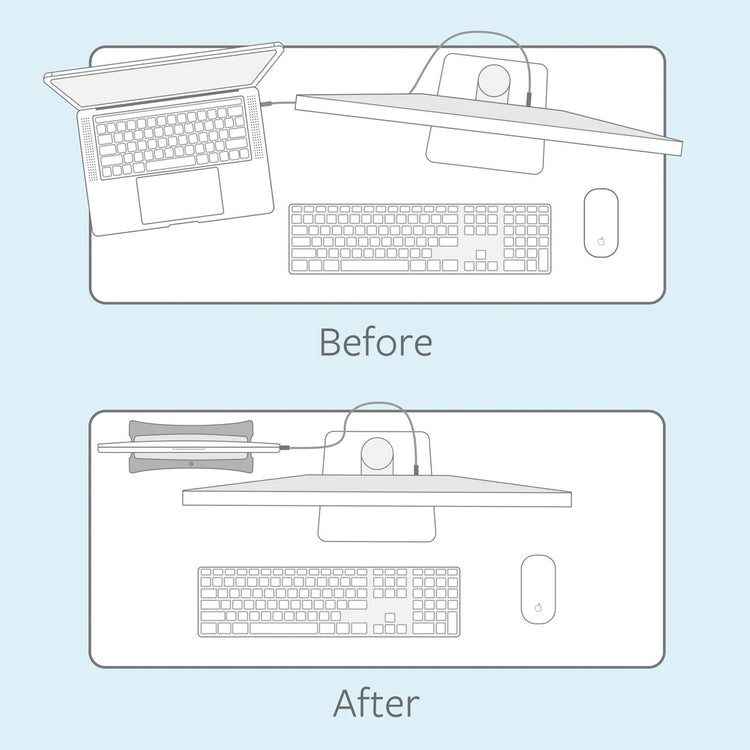
Elevate your workspace.
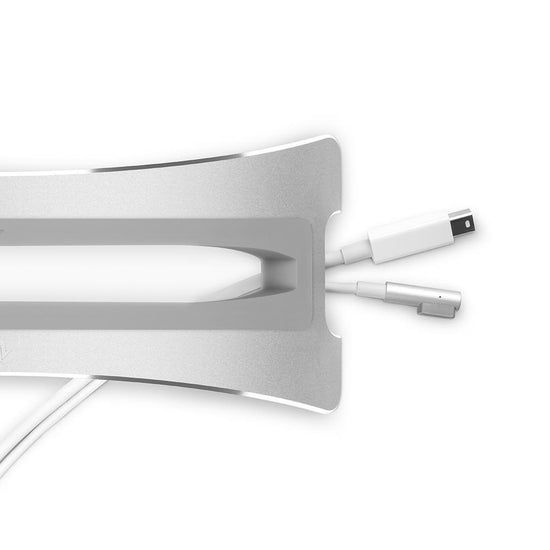
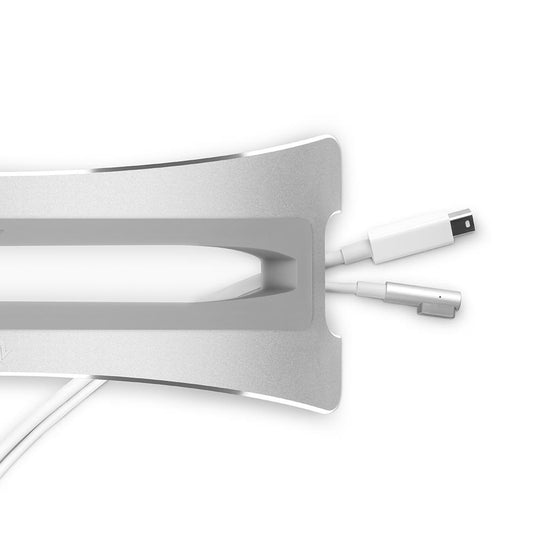
Here’s a look at how the built-in cable management system prevents cable clutter on your desktop for a clean, tidy workspace.
Download High Res.
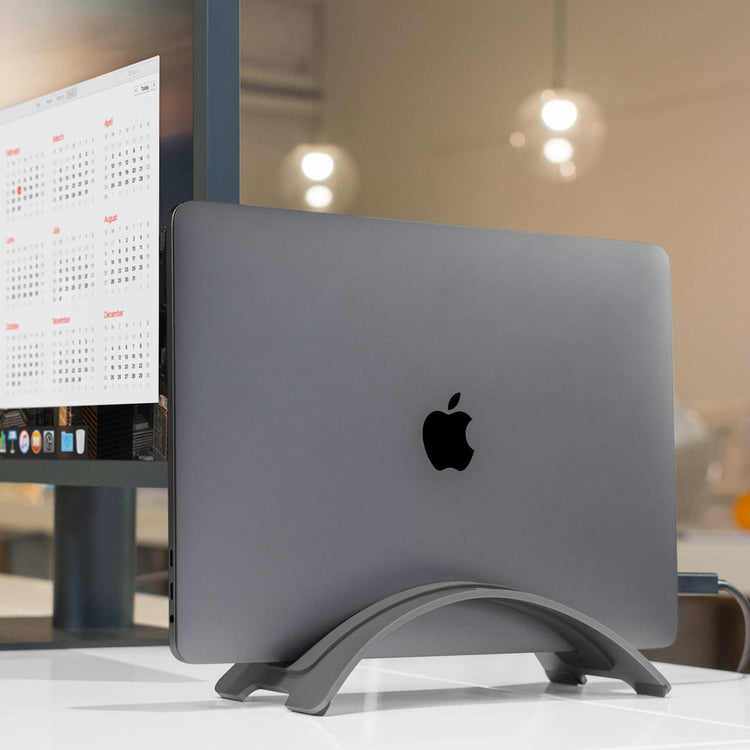
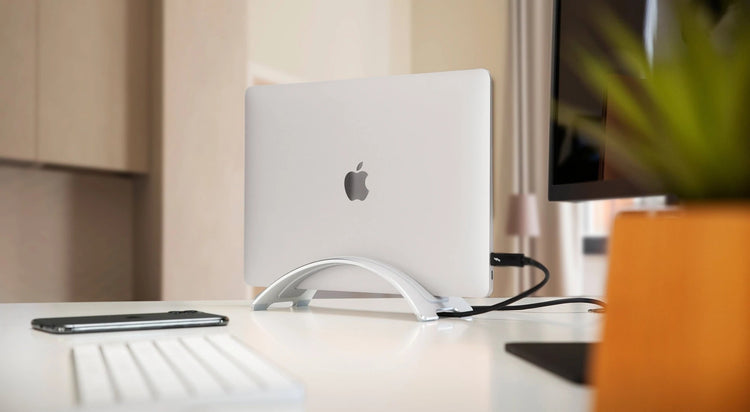
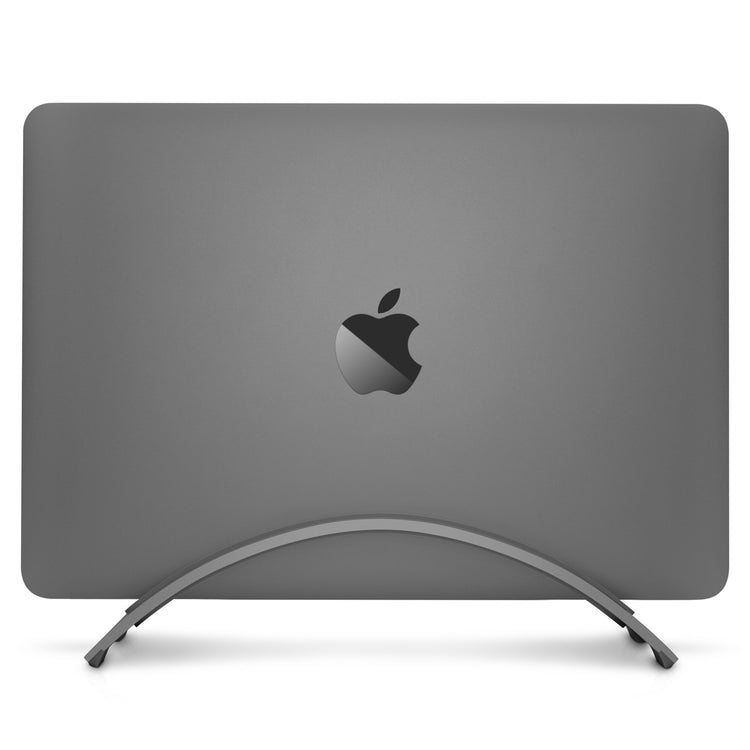
Elegantly simple.
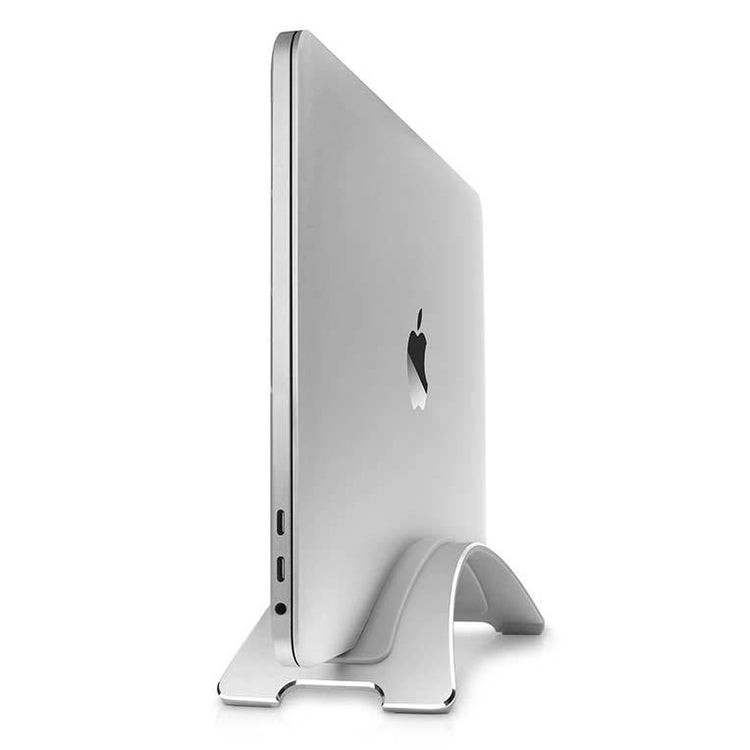
Your MacBook Pro will look like a work of art on display when perched in a BookArc stand. BookArc doesn’t interfere with the ports or media slots on MacBook Pro.
Download High Res.
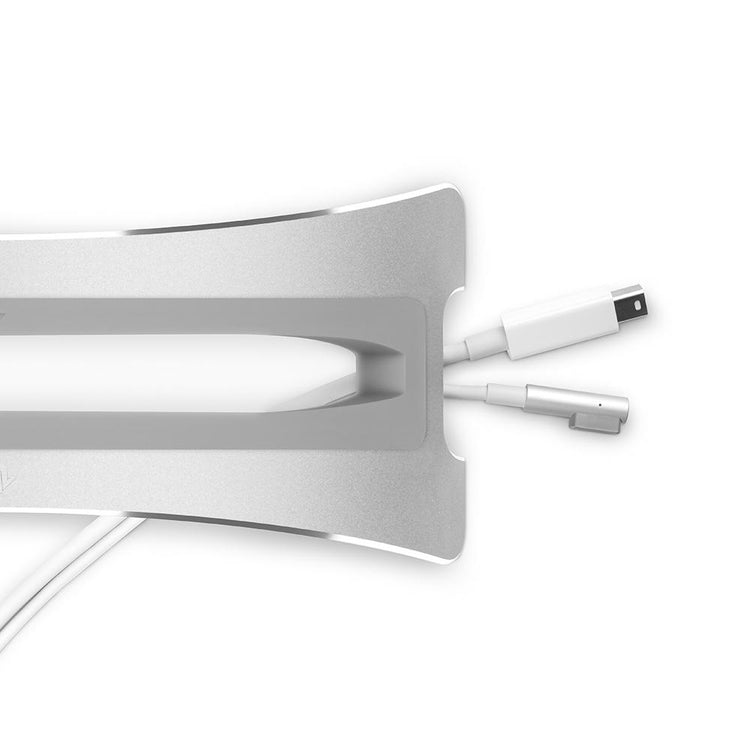
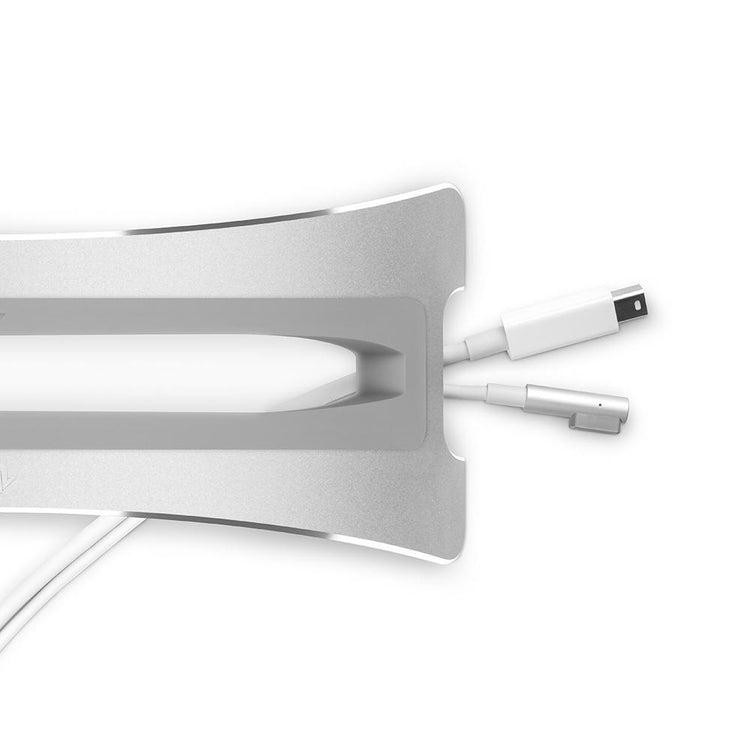
Built-in cable management.
Here’s a close-up view of the cable management system. Your cables will always be ready to connect to your Mac and they won’t slip to the floor when you unplug.
Download High Res.
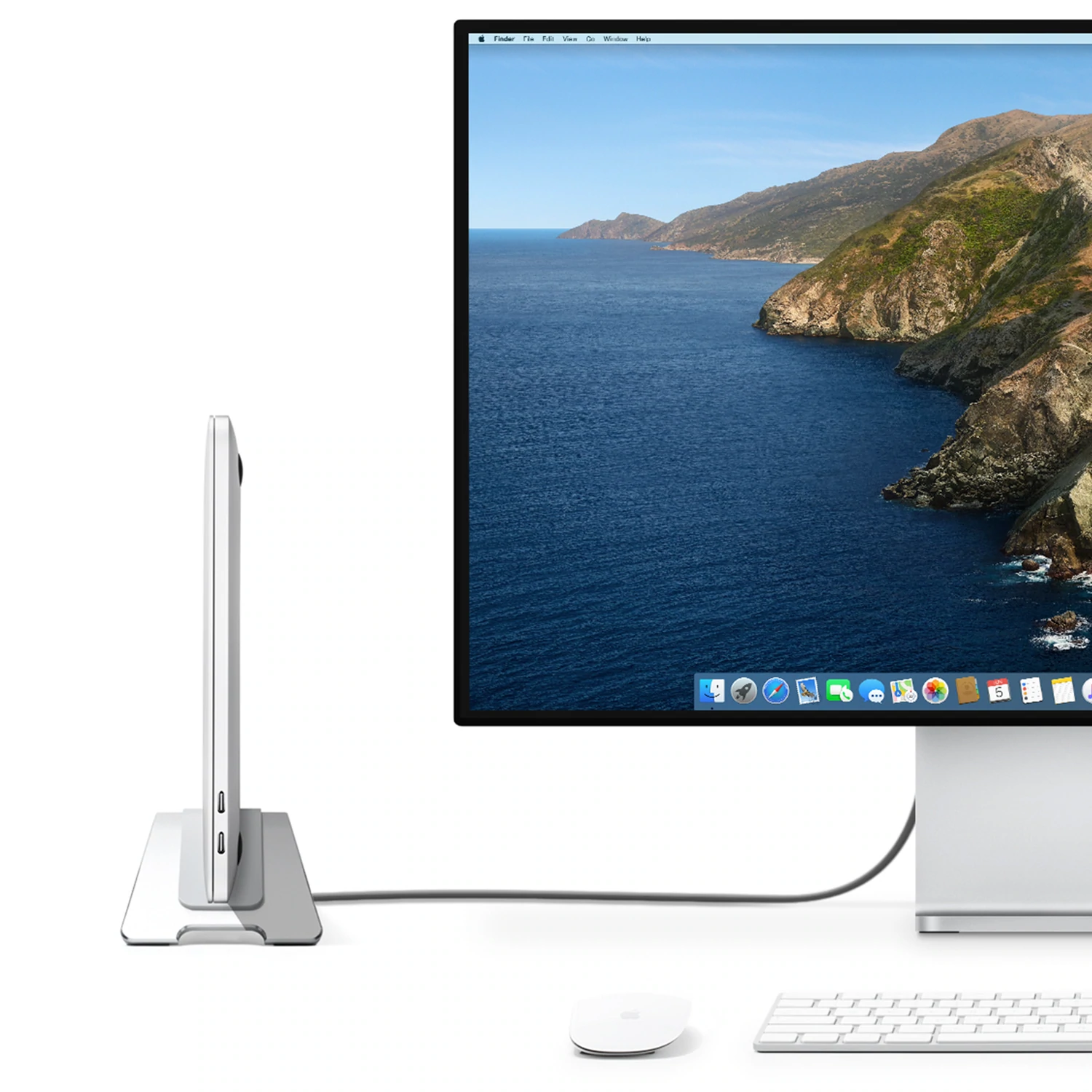
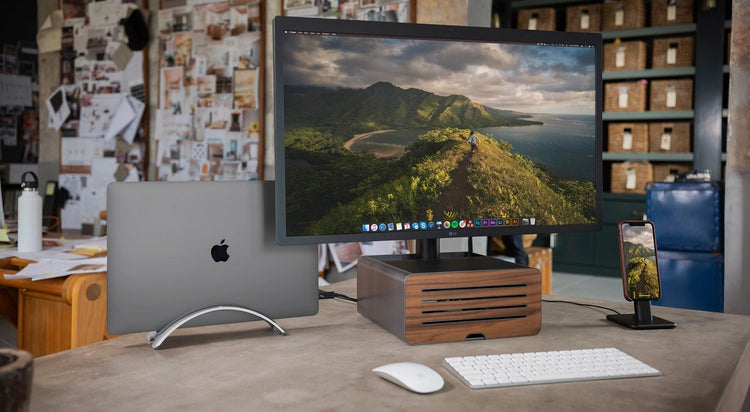
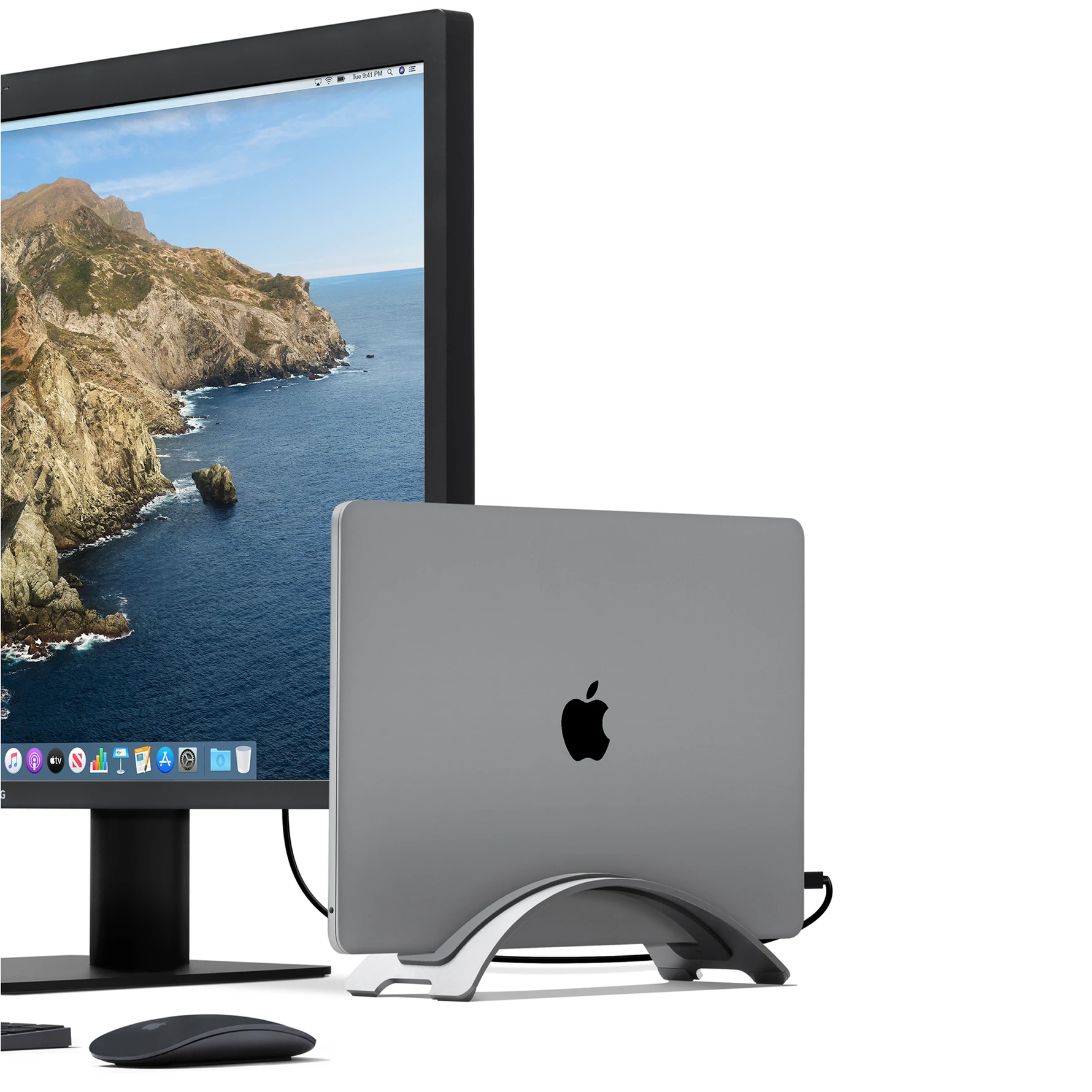
Ultimate mini desktop.
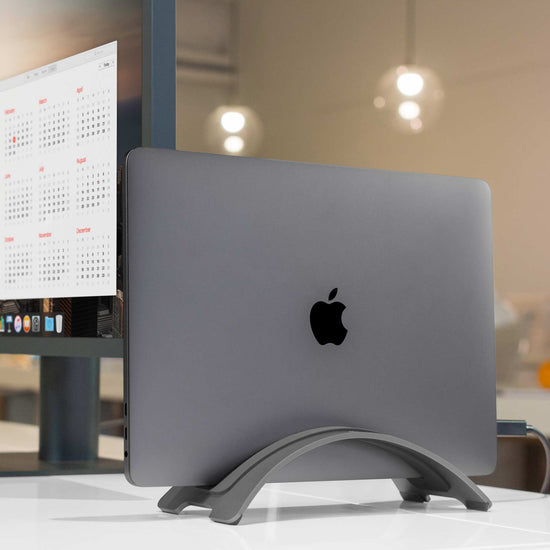
Pair BookArc with a keyboard, mouse and favorite monitor for a picture perfect desktop setup.
Download High Res.
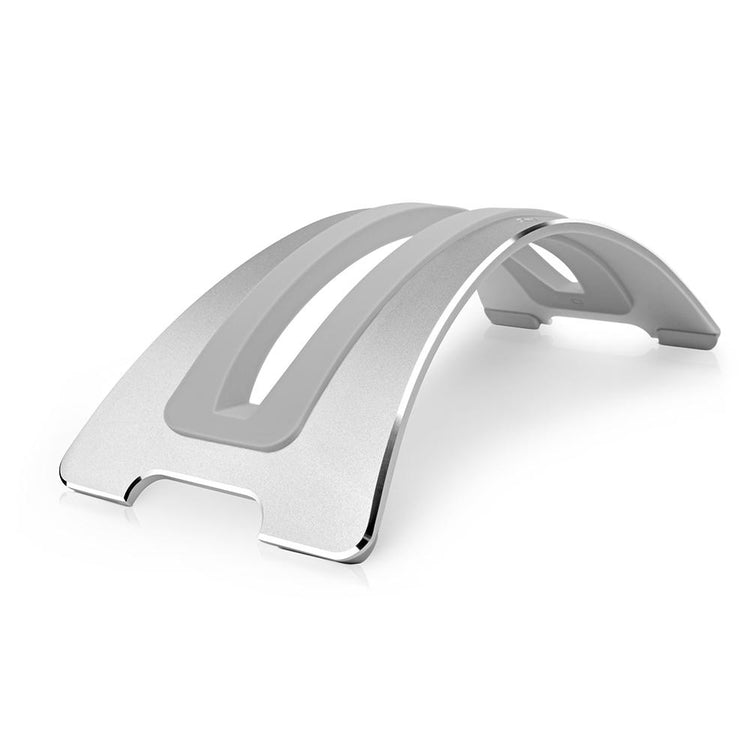
Soft silicone insert.
Your MacBook Pro rests inside a soft silicone insert. BookArc ships with two inserts to hold MacBook Pro or MacBook Pro with Retina Display.
Download High Res.
Sliver of steel.
BookArc Pro has delicate design features baked into a beautiful slice of steel for solid performance. Notice that BookArc has a wide stance on each end to ensure stability.
Download High Res.
Perfect arc.
BookArc Pro keeps your MacBook up off of your desktop, freeing up valuable real estate and creating a less cluttered workspace so you can stay focused on the project before you.
Download High Res.
Padded feet.
Here’s a look at the bottom of BookArc Pro. You can see four silicone footpads that prevent the stand from leaving marks on your desk. You can also spot the dual cable managers.
Download High Res.
Reviews
MacBook Stand In Speed-Boosting Shocker ... Read More
The BookArc comes from TwelveSouth, the same people that brought you an aluminum accessory shelf that hangs off the back of your iMac or Cinema Display. The BookArc, though, is for a MacBook, regular or pro.
The $50 stand is an elegant arch of metal with a silicon insert to allow a snug and scratch-free fit. While held upright, the MacBook has a smaller desk footprint and is surrounded by lovely, cooling air. This is for people who regularly hook up their notebook to an external display and keyboard.
And the speed increase? You won’t notice anything with the higher-end MacBook Pros that sport proper graphics cards, but the low end Macs see some relief from not having to drive two displays: when running closed all the graphics power is available for the single screen.
I tested this claim (without the BookArc) by running Adobe Lightroom on my closed 13” aluminum MacBook piped into the external monitor I usually run alongside the notebook display. It was quicker. Lightroom can get a little sluggish at times, and it was certainly snappier.
What you do lose, of course, is a secondary display. You’ll also need a keyboard and a mouse, but if that’s your setup anyway, this is neat and elegant solution.
I just take the MacBook Pro... and stick it into the BookArc, and my desk is clear. ... Read More
I have way too many computers—it's a sickness—but the one I use most is my 15-inch MacBook Pro. No, it's not some wafer-thin little lightweight machine. It's not some tiny netbook. In fact, it's a pain in the neck (literally) to carry this thing around in airports on trips. But I lug it everywhere. Call me crazy, but I think it's worth it. I even take it to the office, where I hook it to a big no-name 28-inch monitor that I bought online for $280.
It's a great setup, and it's a bargain compared with what you'd pay for an Apple Cinema Display or the 27-inch iMac. The problem is you've now got a big laptop sitting on your desk taking up space.
Here's where the $49 BookArc comes in handy—I just take the MacBook Pro and stand it up on end and stick it into the BookArc, and my desk is clear. Wonderful. It's a ridiculously simple idea. And it fits well with a configuration that Apple is touting as an ideal solution for a home or home-office user: you buy a cool little MacBook Pro or MacBook Air, which you can take on the road with you; but at home you hook it to a Cinema Display and you have an awesome desktop system.
Maybe you'd chafe at the idea of paying $49 for something that just holds your laptop up sideways. But, hey, if you're a Mac person, you're used to paying a little bit more for things. In fact, you probably like it. Because it makes you feel special.
Also, I like the guys who make BookArc. It's a tiny company in Charleston, S.C., called Twelve South, and when I say tiny, I mean it's one guy, his wife, and two employees. Like, really tiny. The founder, Andrew Green, used to work at a company that makes iPod accessories. Earlier this year he decided to strike out on his own and to make nothing but Mac accessories.
"Mostly it was just because of my own passion for the Mac platform," Green says. "There are all these new users coming over to the Mac, and they're coming from the iPod, where they're used to this huge $1 billion ecosystem of accessories. But in the Mac world all they have are me-too products—stuff for the PC that has been painted white. I thought that was all kind of wrong. The Mac deserves accessories worthy of the Mac."
In addition to the BookArc, Twelve South makes a $29 shelf called BackPack that hooks onto the back of an iMac and gives you a good place to stash away your external hard drives. You do have an external hard drive for doing Time Machine backups, right? You can also use it to stow your iPhone or iPod. And just out last week: an $80 portable subwoofer for your Mac, called BassJump, that blends with the speakers in the back of your Mac to give more oomph to your tunes. If you're a Mac fanatic, it's worth taking an interest in what these guys are doing.
Our Photoshop Actions test was 22 percent faster [with MacBook in a BookArc] ... Read More
A MacBook is one beautiful slice of technology, and it deserves only the most stylish accessories. With its graceful curves, the BookArc stand from TwelveSouth sleekly holds and displays your MacBook, MacBook Pro, or MacBook Air while also reducing its footprint on your desk to only 10x4 inches.
Most laptop stands we’ve tested are built to raise your open notebook’s screen up to eye level for a more ergonomic experience. But Mac laptops have that ingenious “lid-closed” mode, which lets you connect an external monitor, keyboard, and mouse, then close the lid and wake the Mac back up by tapping a key. This setup can actually speed up your Mac too. With the lid closed, all of your graphics card’s video memory is used for the external display, instead of being split between the external and the notebook display.
In fact, we attached our 2.4GHz MacBook Pro to a 23-inch Cinema Display and tested this with graphics-intensive Photoshop CS4. Our Photoshop Actions test was 22 percent faster with the Mac’s lid closed versus using the open laptop as an extended display.
But aside from those speed gains, the well-made BookArc simply looks great on our desk. It even inspired us to de-clutter the rest of our workspace, which--if you consider how many products move through here in a given week--can be classified as a minor miracle.
It comes with three silicone cushions to fit a MacBook, MacBook Pro, or slim MacBook Air, and the rubber feet keep the whole BookArc from sliding around. Occasionally, the act of sticking our MacBook Pro in the slot would dislodge the cushion a bit, so we had to straighten it with one hand while holding the ’Book with the other, but that’s a minor quibble since it didn’t happen very often.
BackPack Top View
Pellentesque habitant morbi por senectus et netus et malesuada it fames ac turpis egestas.
Download