





Rated 4.8 out of 5 stars
88 Reviews
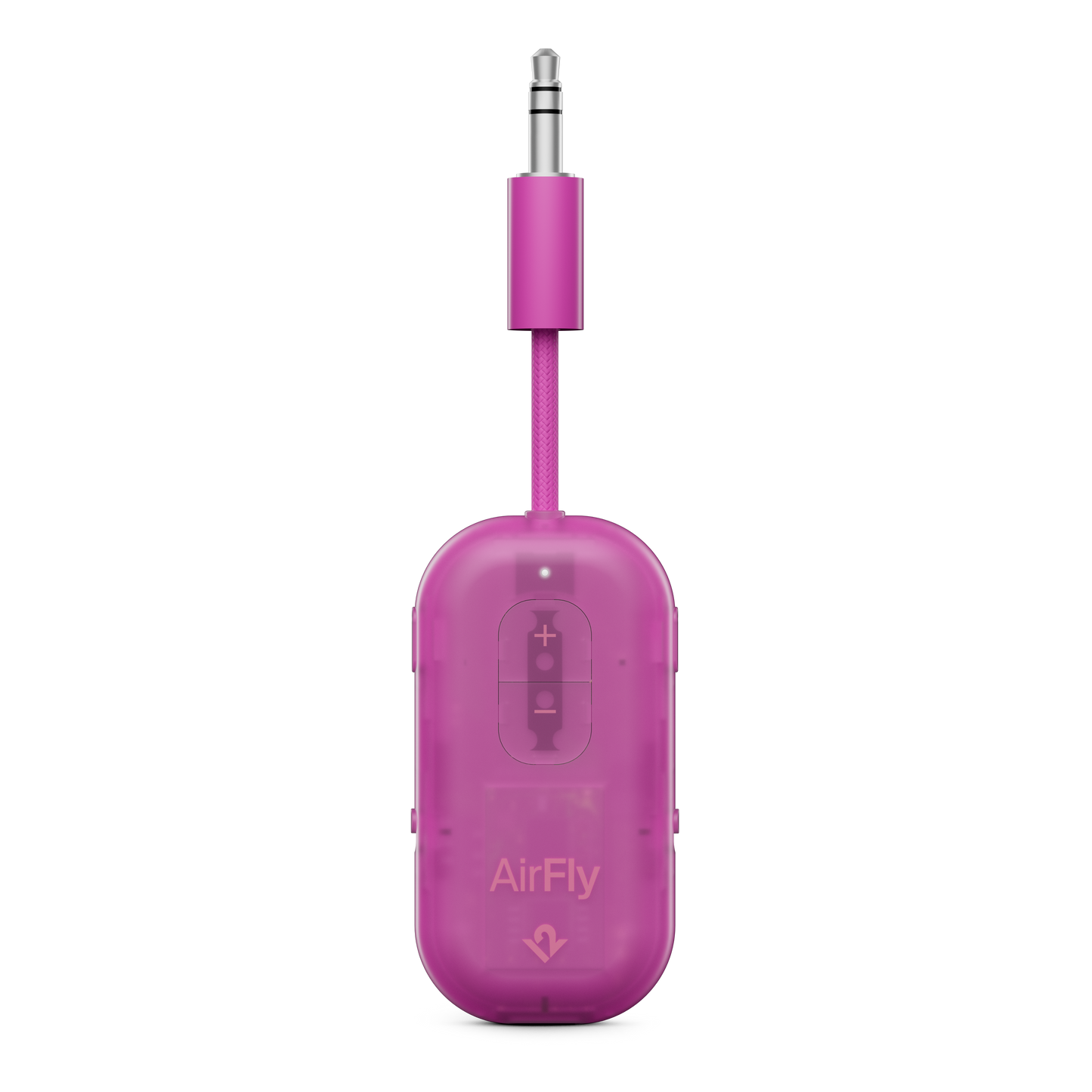
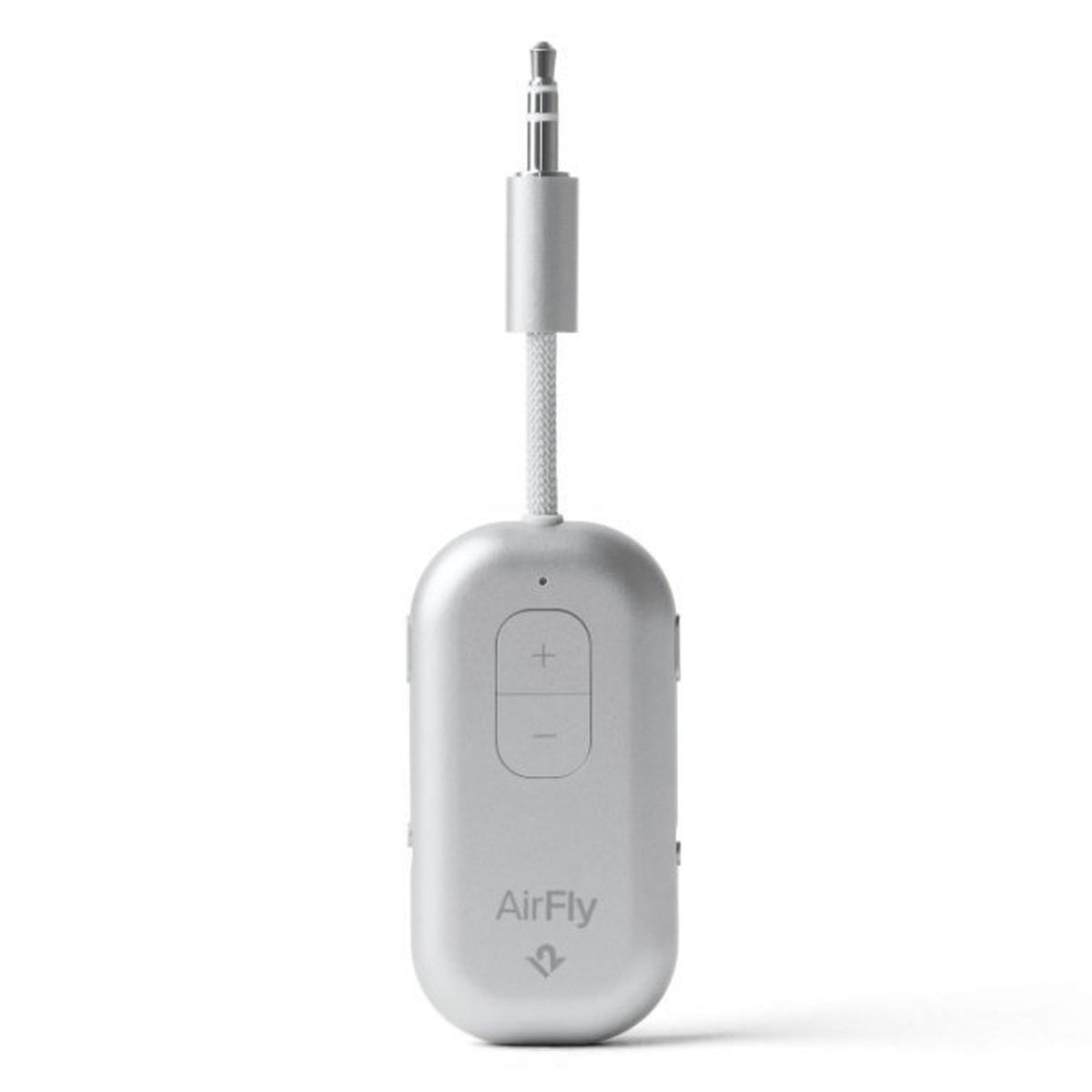
AirFly Pro 2
- Regular price
- $ 59.99
- Regular price
- Sale price
- $ 59.99
- Unit price
- per
+$ 9.99
FREE Shipping Over $85+ | 30-Day Returns
Two-Year Manufacturer’s Warranty
Couldn't load pickup availability
-
 Dual headphone pairing
-
 25+ hours of playtime
-
 USB-A to USB-C cable included


See the AirFly Pro 2 in action
@appledsign
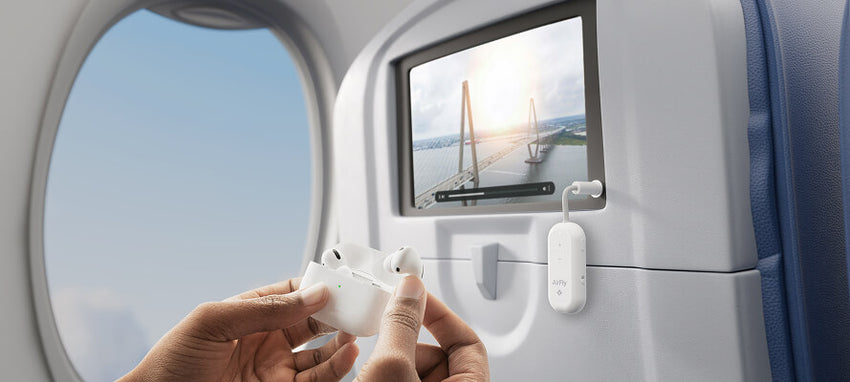
- Enjoy in-flight entertainment with your favorite wireless headphones
- Pair two sets of wireless headphones to one device for shared listening
- Experience superior sound, intuitive controls, and effortless Bluetooth pairing
- 25+ hour battery life, rechargeable via USB-C
- Works with gym equipment, classic stereos, and more
- Deluxe includes our International Airline Adapter and a premium faux suede bag
Shipping
We offer free ground shipping for all US orders of $85 or more. For personalized products please allow 5-7 business days to process.
30-Day Returns
We want you to love your new gear. If it’s not quite right, you can return it within 30 days for a refund.
Custom monogram items are final sale and non-refundable.
Our products come with a two-year manufacturer's warranty.




Wireless. Effortless.
Get Paired Up.
Premium Audio. All Day.
Not Just For Travel
88 reviews
- Basilio S.Verified BuyerReviewingAirFly Pro 2Rated 5 out of 5 stars16Jul26 - Air Fly 2
Great product. Easy setup and i Immediately started to use it. I recommend you investing in this item/product.
Dr. James
TSTwelve SouthHi Basilio, thanks so much for your excellent feedback about AirFly Pro 2! It makes us so happy to know that your setup was easy and you were able to start using it immediately, that's exactly the kind of smooth experience we designed it for! We definitely put a lot of thought into making sure it's user-friendly right out of the box. Your recommendation really means the world to us! Thank you for being such a happy customer! 😊
- Chris Y.Verified BuyerReviewingAirFly Pro 2Rated 5 out of 5 starsExcellent Product!
Used on an unplanned global trip, and it worked without issues!
TSTwelve SouthHi Chris, thanks so much for your excellent feedback about AirFly Pro 2! We're absolutely thrilled to hear that it worked flawlessly on your unplanned global trip without any issues. There's nothing better than knowing our product performed reliably when you needed it most, especially during unexpected travel, and we definitely put a lot of thought into creating something that travelers can count on anywhere in the world! We love that AirFly Pro 2 was there for you when it mattered. Thank you for being such a happy customer! 😊
- James E. N.Verified BuyerReviewingAirFly Pro 2Rated 5 out of 5 starsAirFly Pro 2
I had one of these and really liked the ability of it to hold its signal. I got the 2 to see how it does sending the signal to a device and just the same quality sending as well as receiving.
TSTwelve SouthHi James, thanks so much for your amazing feedback about AirFly Pro 2! We're thrilled to hear that you were already such a fan of the original and appreciated that strong signal hold, and it's wonderful that you're finding the Pro 2 delivers that same excellent quality for both sending and receiving. We definitely put a lot of thought into maintaining that reliable signal strength while expanding the functionality, so it's great to know you're experiencing exactly what we aimed to achieve! Thank you for being such a loyal and happy customer! 😊
- Anthony A.Verified BuyerReviewingAirFly Pro 2Rated 5 out of 5 starsHaven’t Used it Yet!
Will use on our flight to Alaska in late July.
TSTwelve SouthHi Anthony, thanks so much for your amazing feedback about AirFly Pro 2! We're so excited that you're planning to take it on your flight to Alaska in late July, what a perfect travel companion it's going to be! We definitely put a lot of thought into making sure AirFly Pro 2 delivers that seamless audio experience during flights, so you'll be able to enjoy your entertainment wirelessly with your own headphones or earbuds. We have a feeling you're going to love how it transforms your in-flight experience, and we'd love to hear how it works out for you on your Alaskan adventure! Thank you for being such a happy customer! 😊
- Carol S. S.Verified BuyerReviewingAirFly Pro 2Rated 5 out of 5 starsExcellent
The Airfly works with my hearing aids! Your chat conversation was excellent detailing explicit instructions on how to pair Airfly with my hearing aid. I tested it with my TV and it is amazing. Looking forward to using it with whisper technology used by many tour companies.
TSTwelve SouthHi Carol, thanks so much for your excellent feedback about AirFly Pro 2! We're absolutely thrilled to hear that it's working so well with your hearing aids and that our chat support was able to provide you with such helpful pairing instructions. It's wonderful to know that your TV test went so well, we definitely put a lot of thought into making sure AirFly Pro 2 delivers that seamless audio experience! We're so excited that you'll be able to use it with whisper technology on your tours, that sounds like such a perfect application and we know it's going to enhance those experiences for you. Thank you for being such a happy customer! 😊